Built for your remote
Move between categories, channels, movies and series using your TV remote or touch screen.
ALtra Player
Enjoy live TV, movies and series on Android TV, phones and tablets.
Requires your own playlist and device activation.
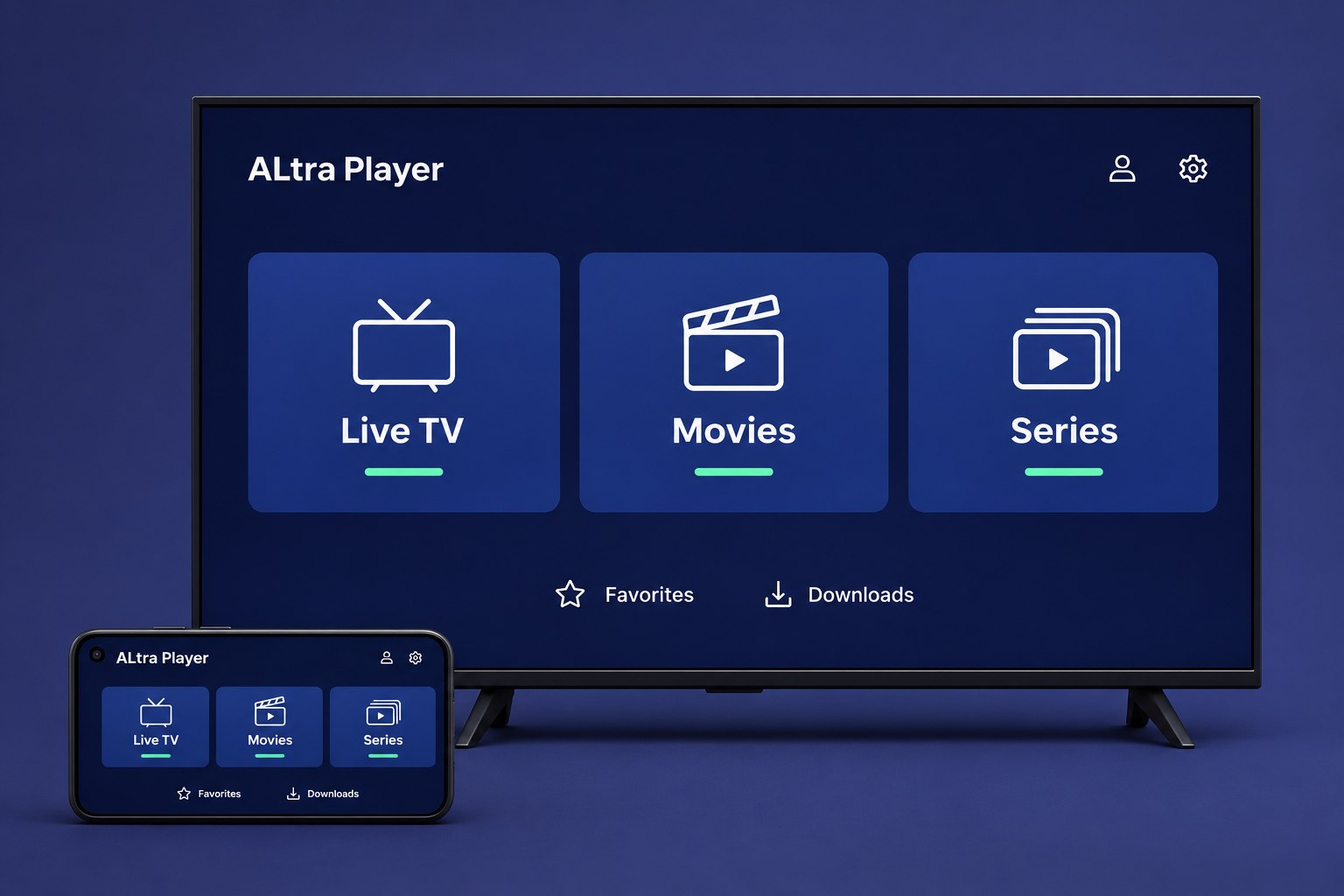
Move between categories, channels, movies and series using your TV remote or touch screen.
Choose embedded tracks or search online, then adjust subtitle size, position and timing.
Download supported movies and episodes and manage them from Downloads.
Installation
Use the download button to get the latest published release. On a TV, you can also transfer the APK from your phone or computer.
Open the APK. If Android asks, allow installation from that source, then complete the installation.
Open the app and share your device code with your admin. After activation, enter your M3U or Xtream Codes playlist details.
Already installed? Install the new release over your existing app to update it.
Get the latest published Android release.
Downloads depend on provider support. For activation or playlist help, visit Support.